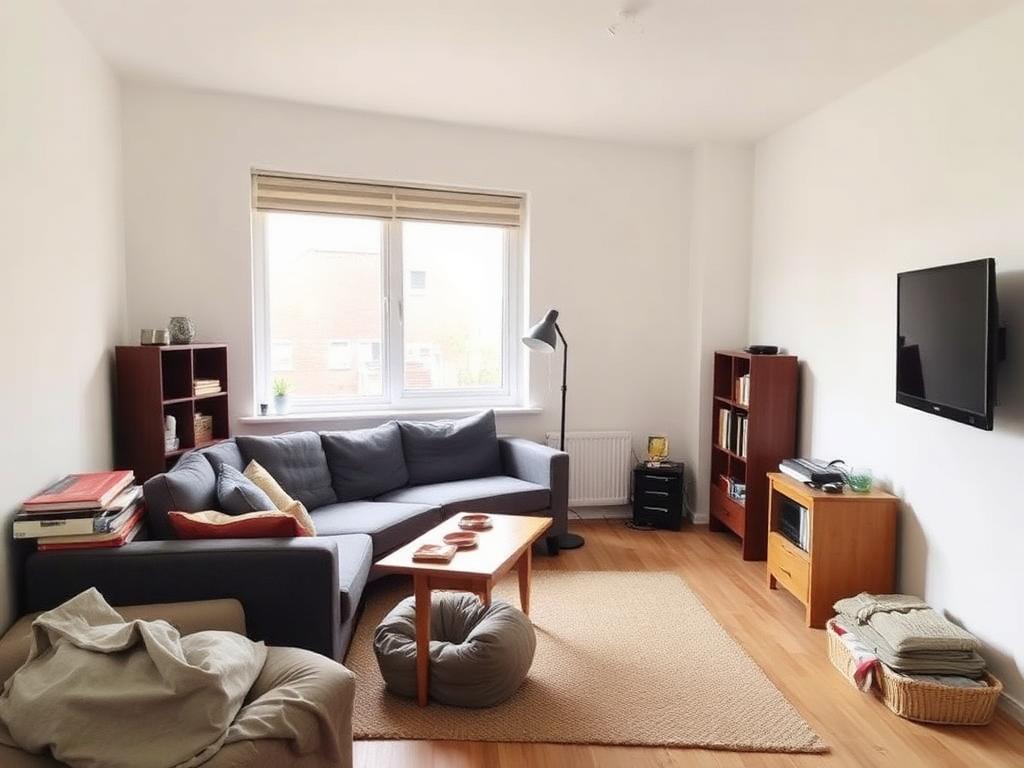
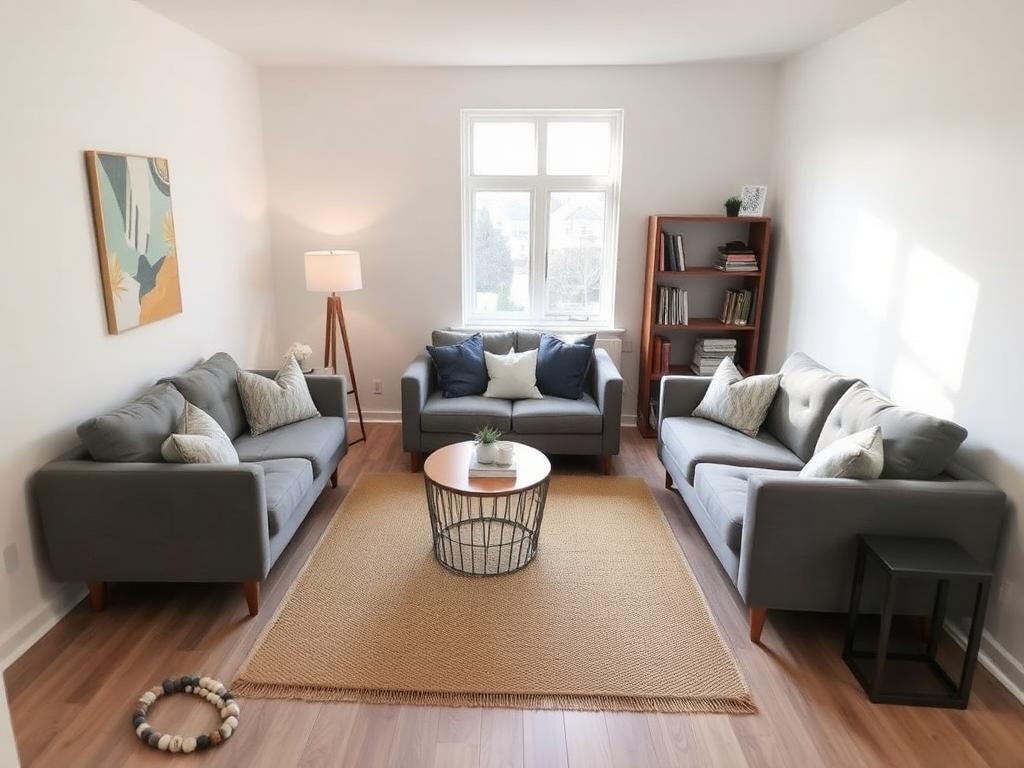
Living room
Goal: more open space
Same sofa, same coffee table, same rug — floated off the wall so the window becomes the focus and the walkway opens up.

Rearrange & refresh · no shopping
Upload one photo. The AI keeps every piece you own and shows you a better layout for the same room — nothing to buy, nothing to drill, nothing your landlord will notice.
1 free design every day · no card needed
Drag the slider on each example — every piece in the “after” is a piece the renter already owned.
Goal: more open space
Same sofa, same coffee table, same rug — floated off the wall so the window becomes the focus and the walkway opens up.
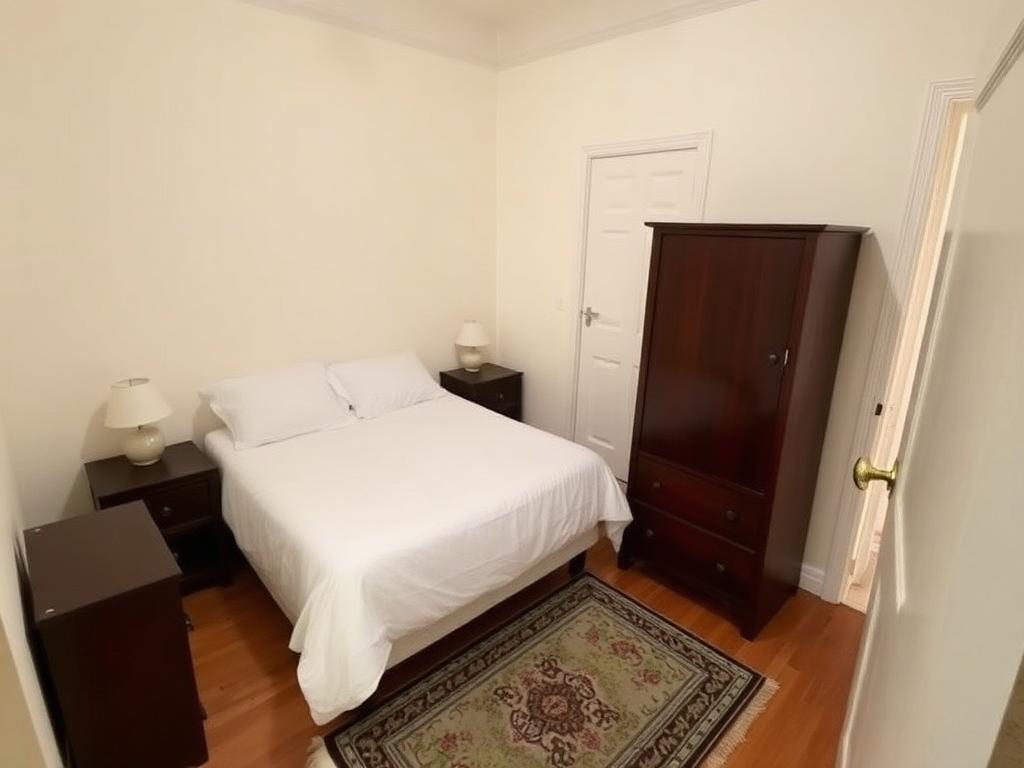
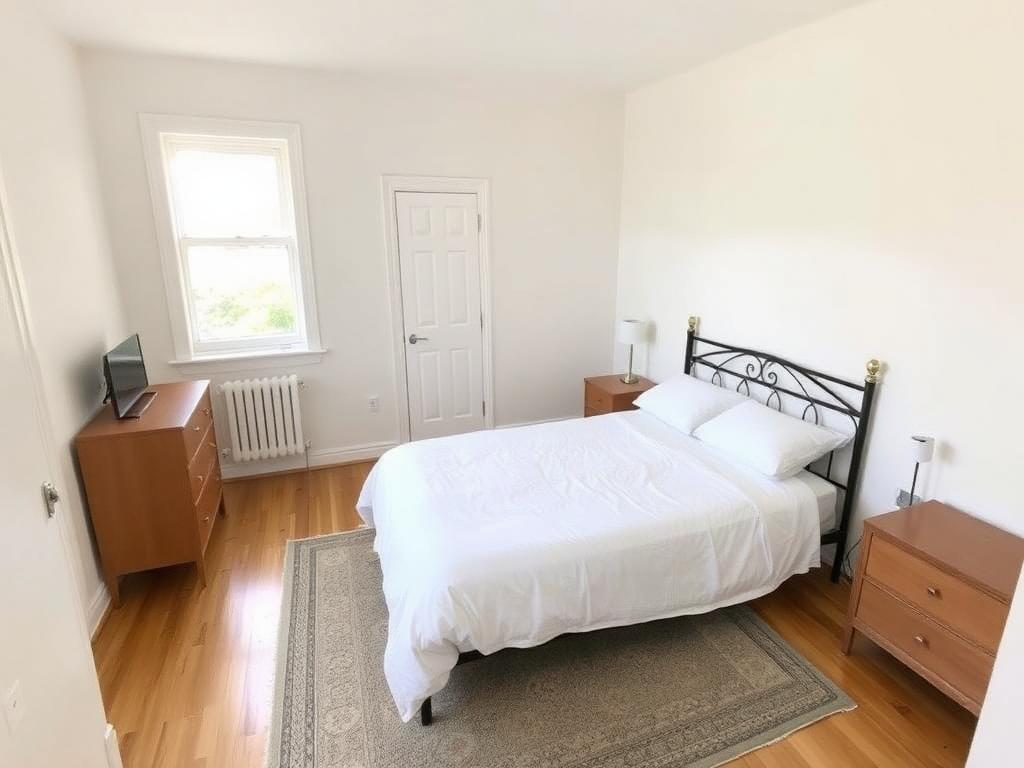
Goal: better walking path
Bed pulled out of the corner, dresser off the doorway, rug squared up — both sides of the bed now reachable.
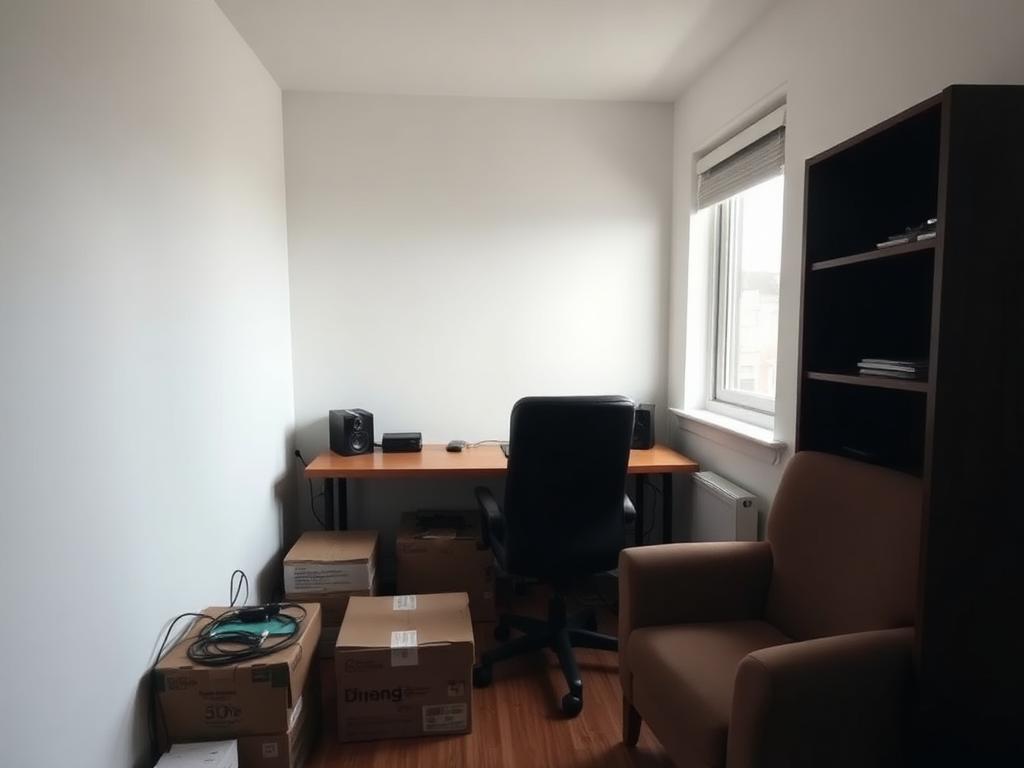
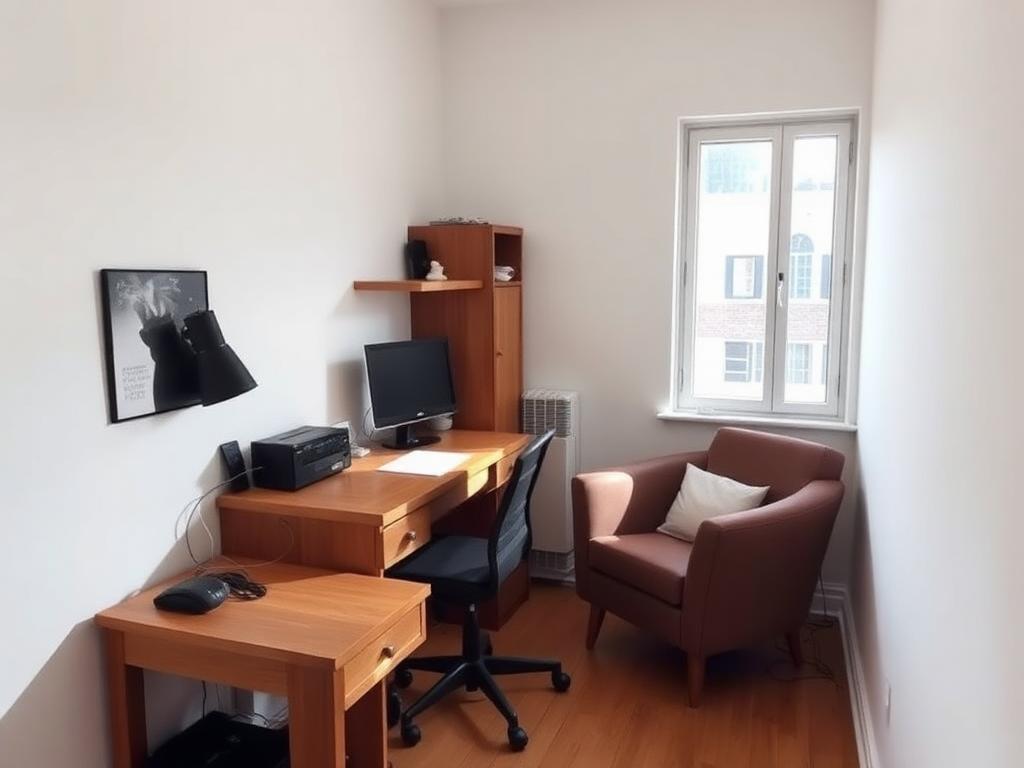
Goal: a work zone that works
Desk moved to the daylight, armchair turned into a reading nook, clutter cleared from the floor.
One straight-on phone photo of the room, lights on. Show as much floor as you can.
Choose your goal — open space, a clearer walking path, a work zone, cosier, kid-friendly or more storage.
About 60 seconds later you get the same room, rearranged — plus the steps to move things yourself.
Free to try, renter-safe, and you won’t need to buy a thing.
Want new pieces instead? Try a full redesign